Create an account
Sign up
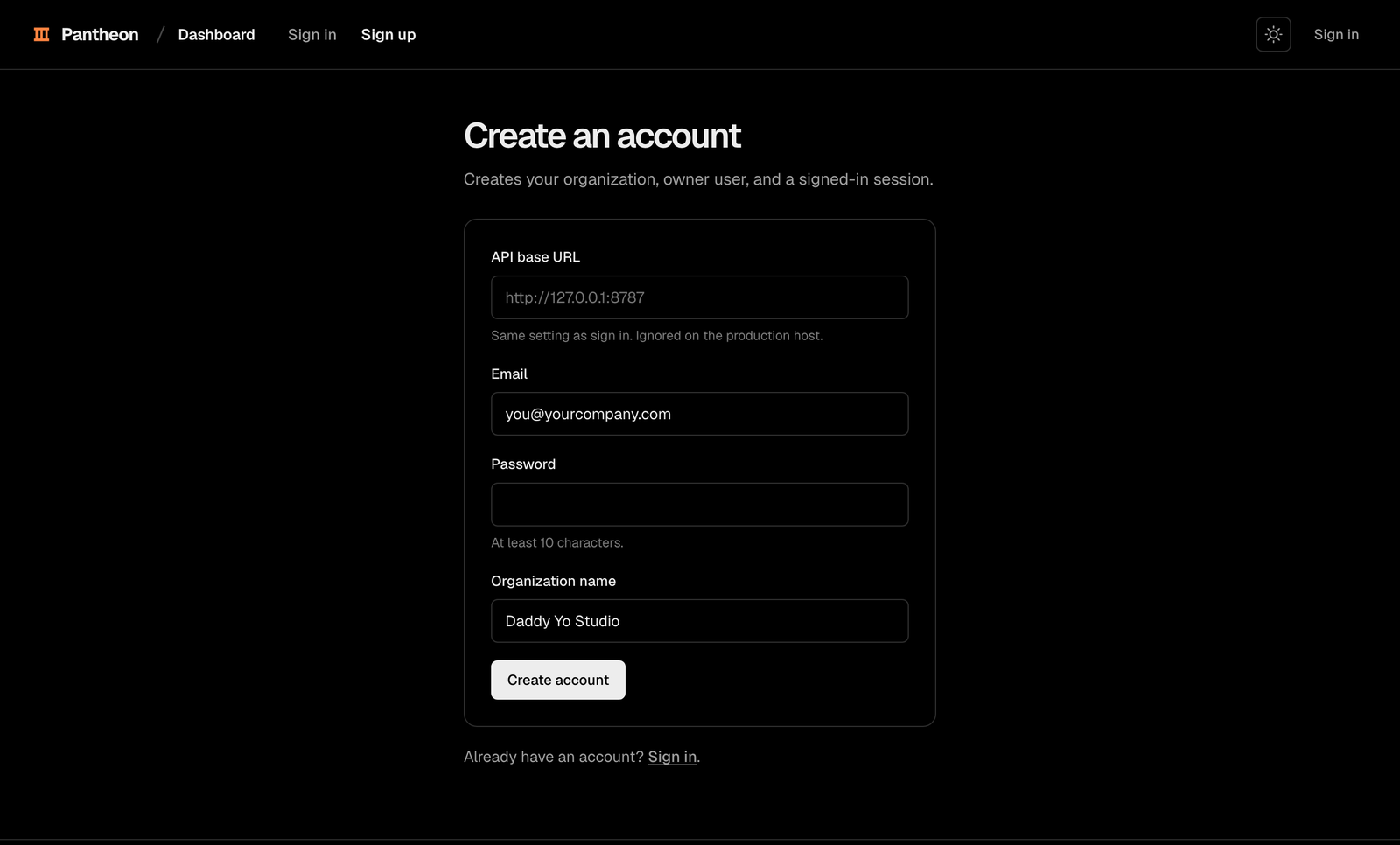
Open /dashboard/sign-up. Enter your email, password, and organization name.
Your password must contain at least 10 characters.
Sign in
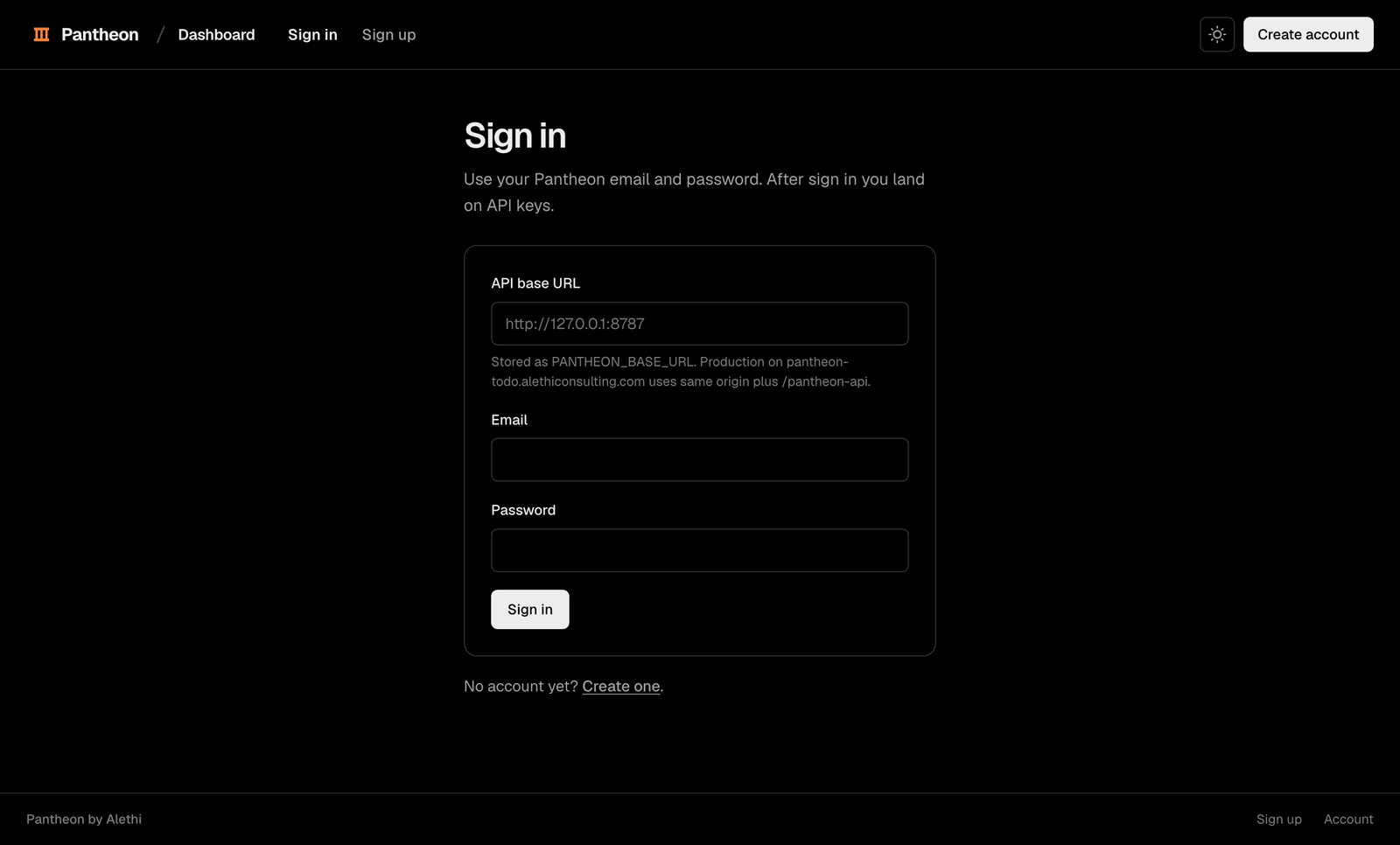
Use /dashboard/sign-in when you return. Pantheon opens the keys page after sign in.
Create a key
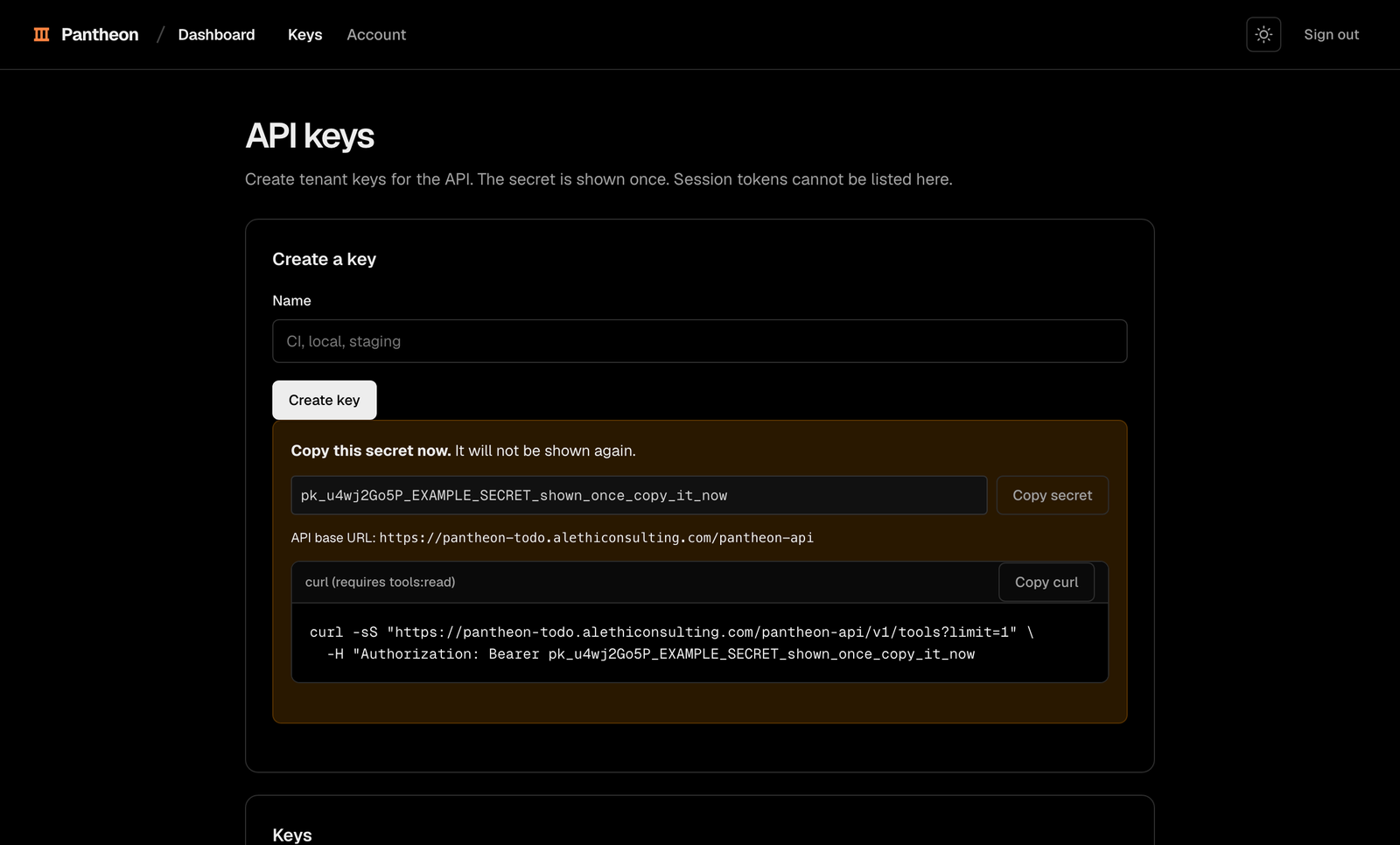
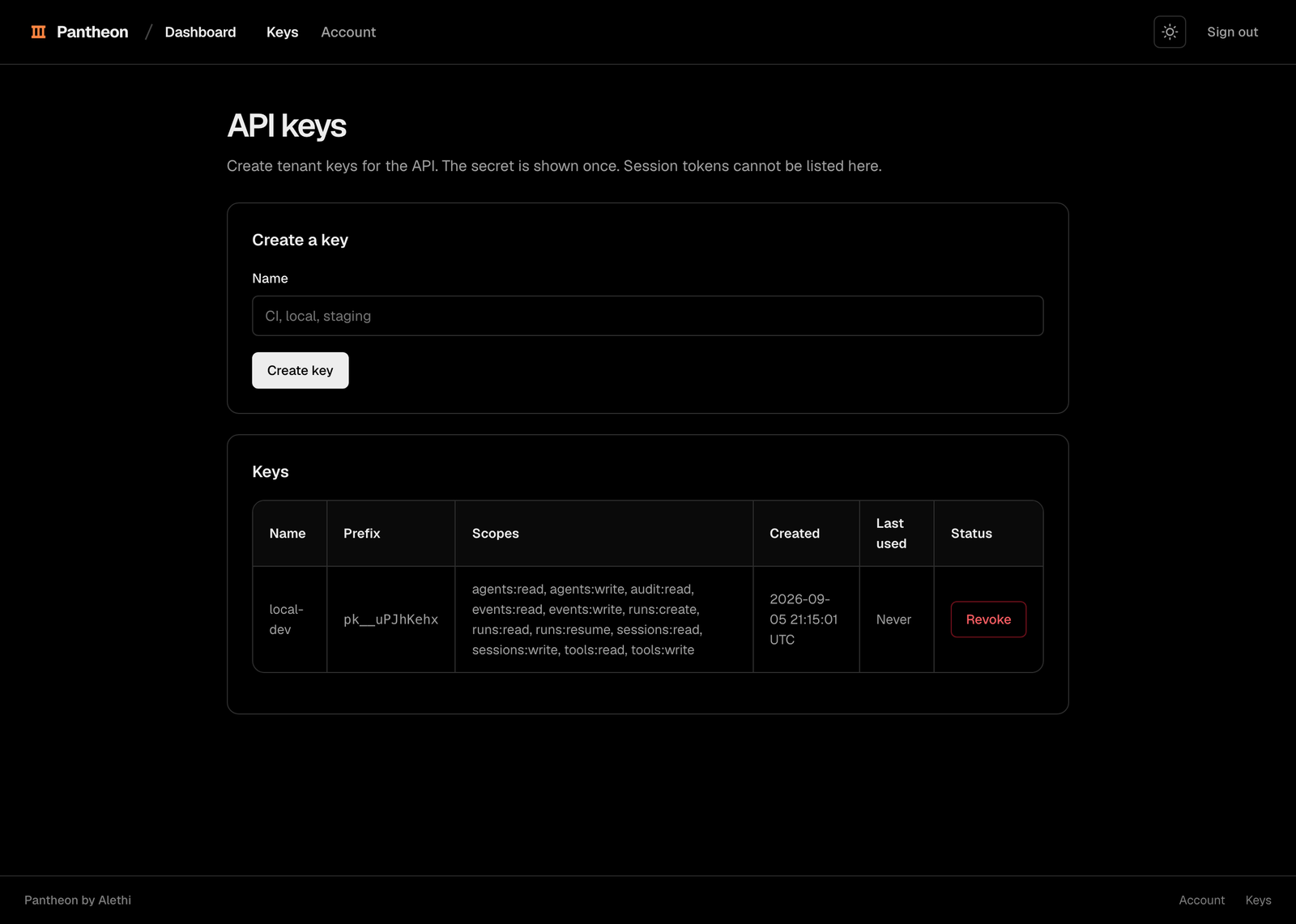
Enter a name on the keys page. Pantheon uses the full tenant builder scopes by default.
Copy the secret
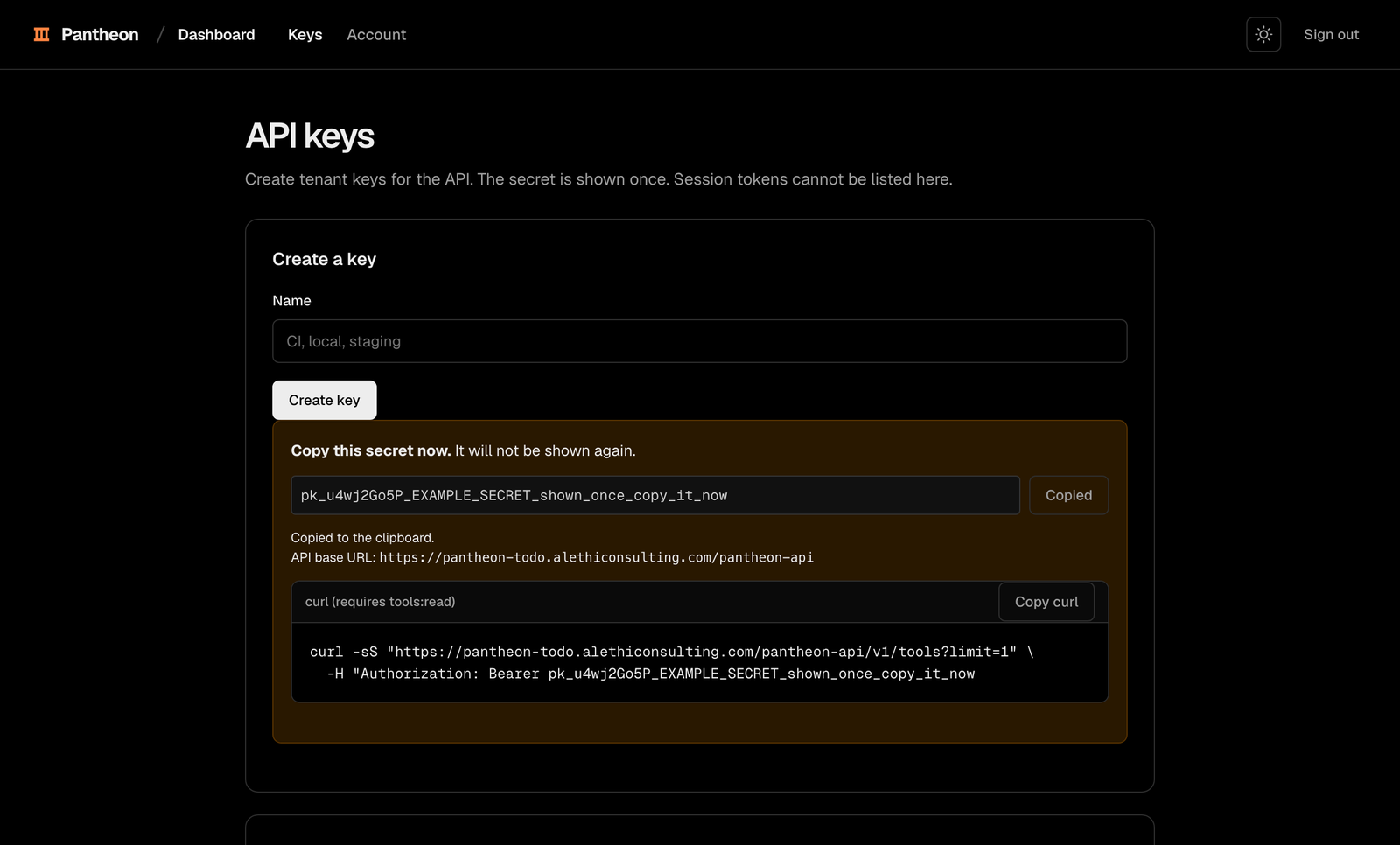
Copy the secret immediately. Pantheon shows it once and stores only its hash.
Use the key
Set the production base URL and the one-time secret.
export PANTHEON_BASE_URL="https://pantheon-todo.alethiconsulting.com/pantheon-api"
export PANTHEON_API_KEY="PANTHEON_API_KEY"
Send the key as a bearer token. API keys cannot list, create, or revoke other keys, and cannot create or edit workspace users. Those are account operations and need a signed-in session.
Scopes are enforced on every route. A key that lacks the scope an operation names is refused with HTTP 403 and permission_denied, and the message names the missing scope. Every operation in api/openapi/openapi.yaml states the scopes it requires under its security entry. A write scope does not imply the matching read scope: ask for both, or use a family wildcard such as agents:*.
Manage keys
The keys page lists each key without its secret.
| Action | Result |
|---|---|
| Create | Pantheon shows the new secret once. |
| Review | You see the name, prefix, scopes, creation time, last use, and revocation state. |
| Revoke | The key stops working and returns KEY_REVOKED. |
Revoke a key from the same page. Create a replacement before revoking an active key.
Auth release routes
| Method | Path | Use |
|---|---|---|
POST | /v1/auth/signup | Create a user, tenant, and session. |
POST | /v1/auth/login | Start a session. |
POST | /v1/auth/logout | Revoke the current session. |
GET | /v1/auth/me | Read the current user, tenant, and session expiry. |
GET | /v1/auth/keys | List keys without secrets. |
POST | /v1/auth/keys | Create a key and return its secret once. |
DELETE | /v1/auth/keys/{id} | Revoke a key. |
POST | /v1/auth/password/change | Change the signed-in user's password. |
Signup response
Send email, password, and organization_name. A successful request returns HTTP 201.
{
  "user": {"id": "user_123", "email": "you@example.com"},
  "tenant": {"id": "tenant_123", "name": "Acme", "slug": "acme"},
  "session": {"token": "ps_SESSION_TOKEN", "expires_at": "2026-10-04T12:00:00Z"}
}
Key response
Send name and optional scopes. A successful request returns HTTP 201.
{
  "id": "key_123",
  "name": "Development",
  "prefix": "pk_example",
  "scopes": ["..."],
  "created_at": "2026-09-04T12:00:00Z",
  "secret": "PANTHEON_API_KEY"
}
Limits and sessions
| Value | Meaning |
|---|---|
| 5 signups per IP per hour | Further signup requests wait until the rate window resets. |
| 10 login attempts per email per 15 minutes | Further attempts return HTTP 429 with retry_after. |
| 30 day session expiry | Valid session use extends the expiry. |
ps_ prefix | Identifies an opaque session token. |
The dashboard stores the session token in localStorage under pantheon.session.
Manage your application
Create and edit agents, publish deployments, and review deployment history on the dashboard Agents page.
Register tools, create versions, and deprecate versions on the dashboard Tools page.
Filter sessions, inspect usage and events, and archive sessions on the dashboard Sessions page.
Reset a password
Change a known password from the account page.
Email delivery is not available yet. An admin resets a forgotten password with POST /v1/admin/users/{id}/password.
Pitfalls
- The secret is missing from the key list: This is expected. Pantheon returns the secret only when you create the key.
- Sign in returns INVALID_CREDENTIALS: Check both fields.
INVALID_CREDENTIALSdoes not identify which value is wrong. - Sign in returns RATE_LIMITED: Wait for the retry_after interval after
RATE_LIMITED. - You forgot your password: Ask an administrator to reset it. Email reset is not available yet.